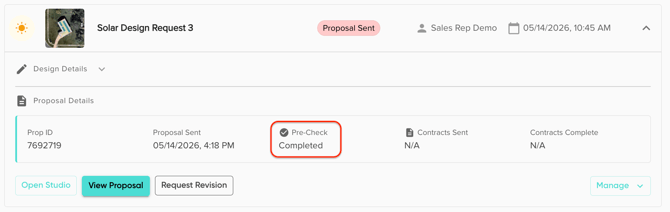
After clicking 'Generate Proposal' when finishing a design in Solo Studio, users will be prompted to send the proposal to Design Verification.
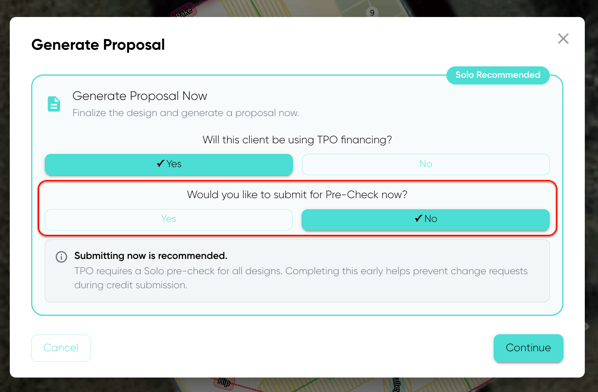
If you choose to select 'No' on this step, meaning you do not want to immediately send for Pre-Check, you will still be able to send the proposal to Design Validation Pre-check through a send button on the 'Projects' page of the customer. A 'Send' button will appear in the 'Proposal Details' section of the project dropdown:
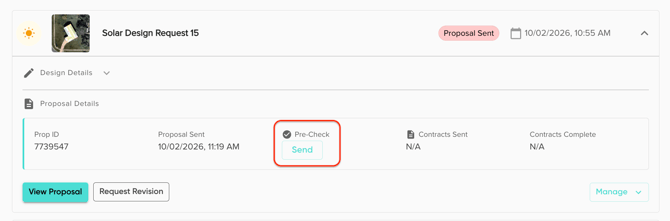
After pressing send, the button will become disabled and will display 'Sent' in the same column. Once the proposal leaves the Design Validation queue, the status will update to 'Completed'.