When using the EnFin integration on a solar proposal, the system check the user's email address to verify it matches a user under the EnFin account. To add EnFin user credentials to your Solo account, follow these steps:
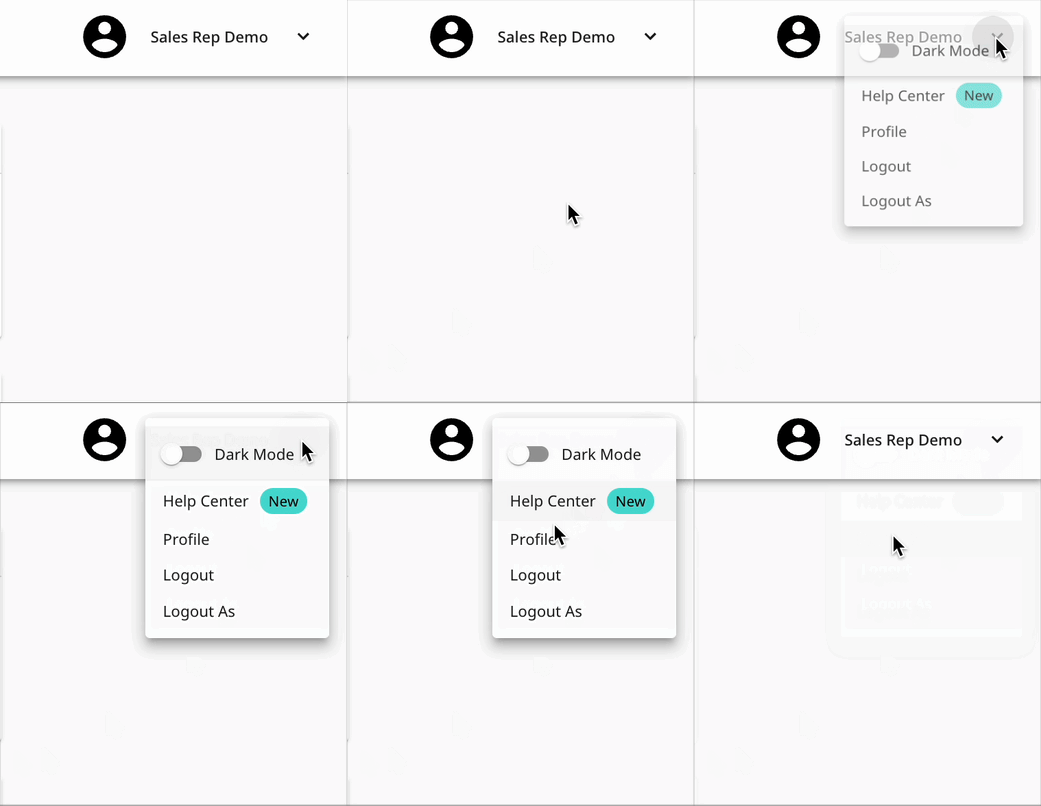
- Open your user account using the dropdown button in the top right, then click 'Profile'.
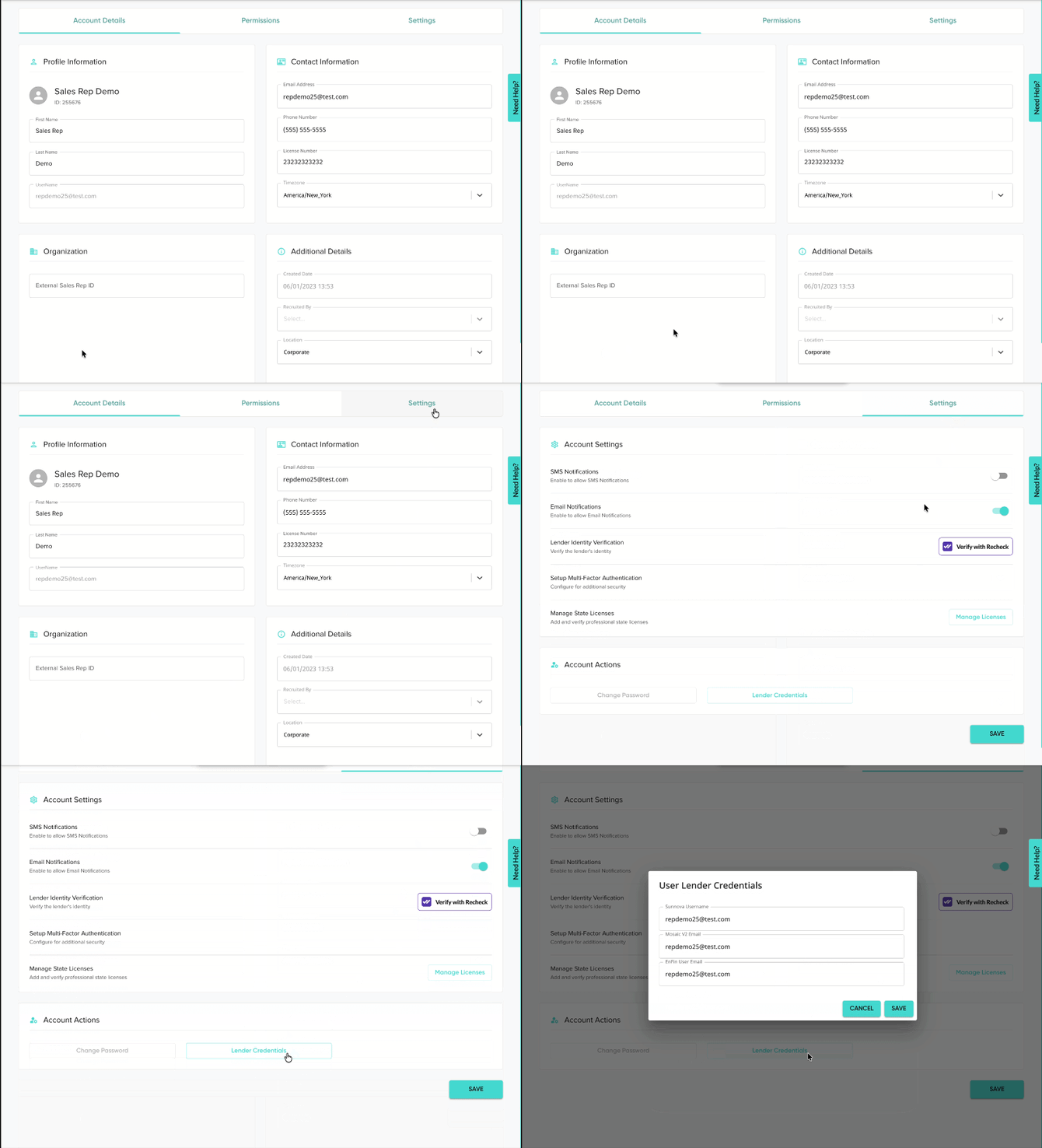
- Open the 'Settings' tab, then scroll down and click 'Lender Credentials'.
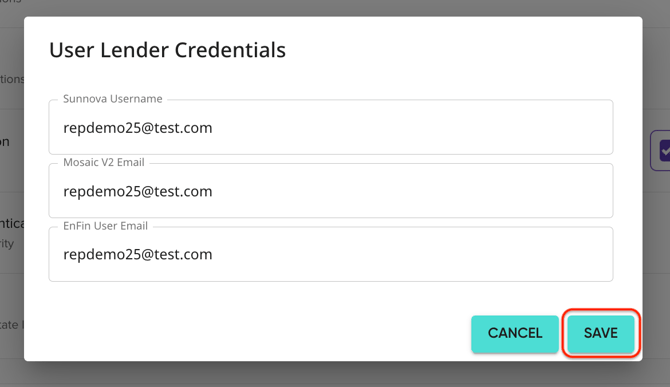
- Under 'EnFin User Email', enter the email associated with your EnFin user account.
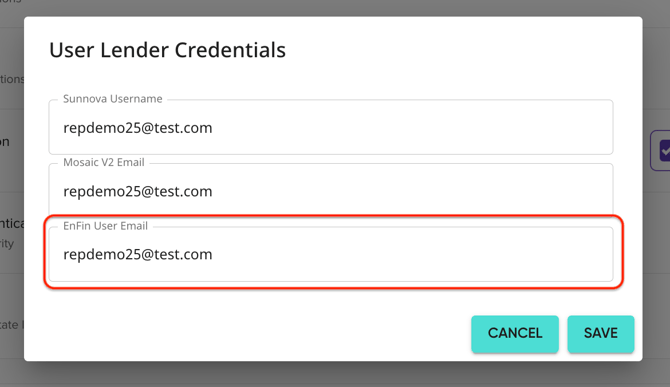
- Click 'Save' on the 'Lender Credentials' modal.
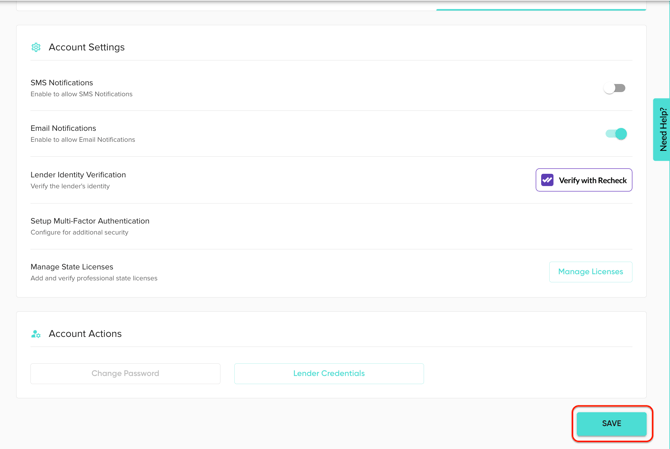
- Save your user changes.