
In this article:
Submitting an Application
-
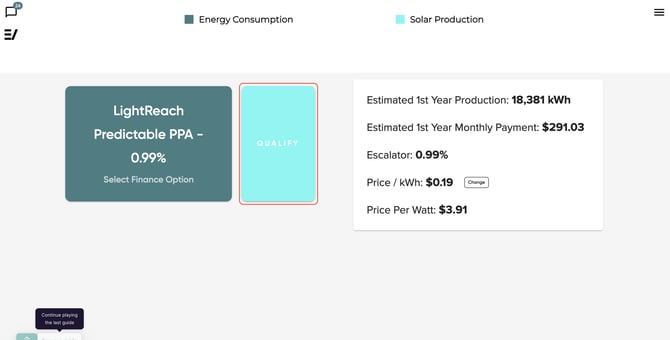
On the proposal's Finance page, click the 'Qualify' button to start the finance application.
-
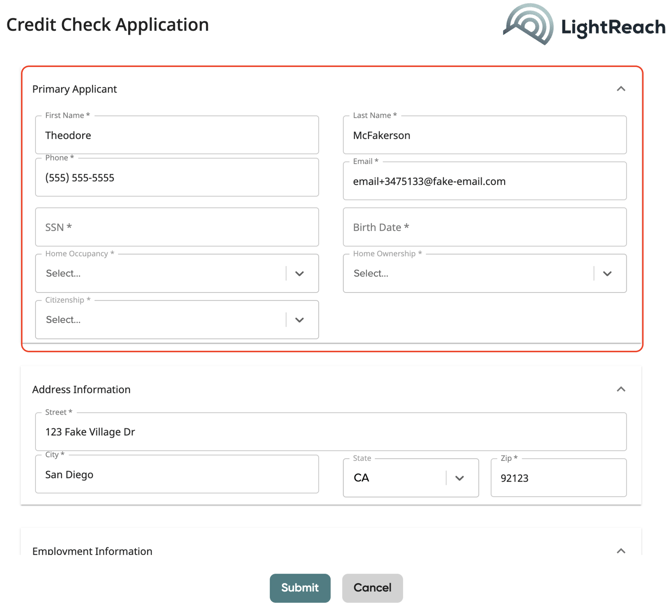
Primary Applicat: Enter the customer's information including their name, phone number, email, full social security number, and birth date.
-
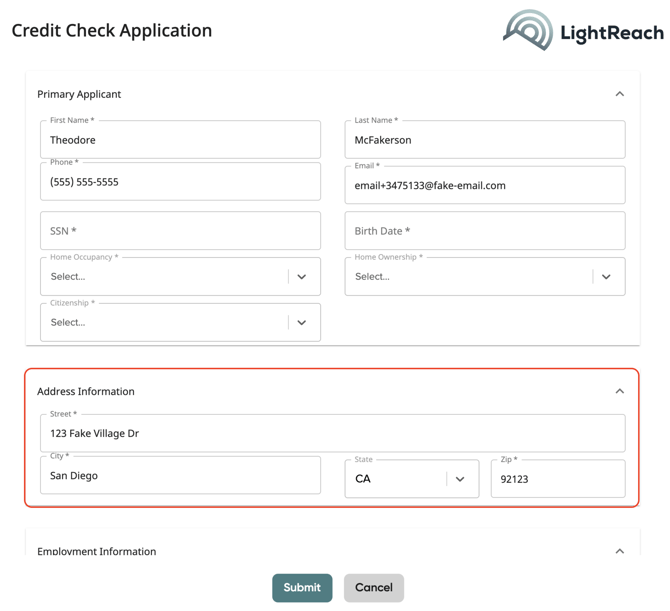
Address Information: Confirm the customer's address.
-
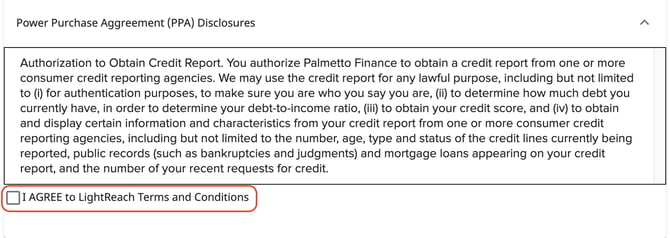
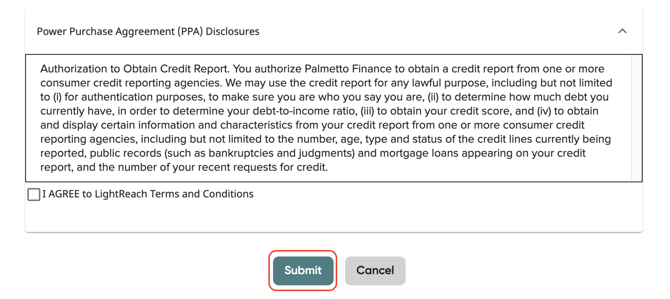
Lastly, review the PPA discloser with the customer and agree to Palmetto LightReach Terms and Conditions.
-
Once ready, press submit.
-
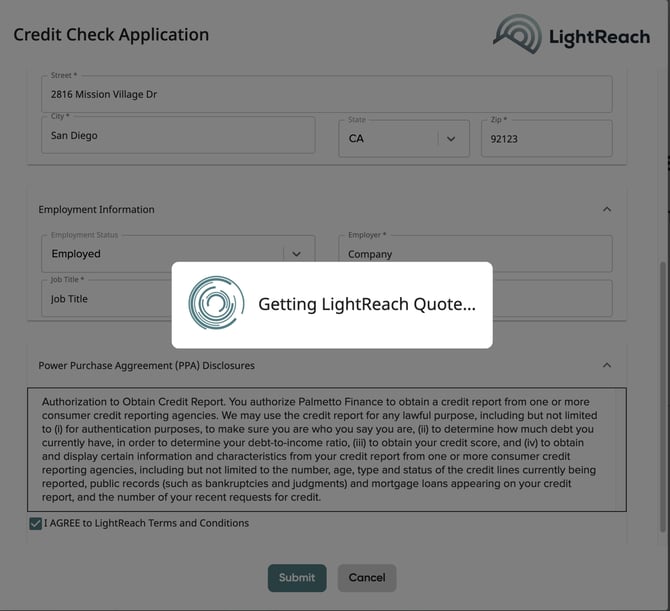
After pressing Submit, a loading screen will appear as a LighReach quote is being retrieved.
Reviewing Your Customer's Quote
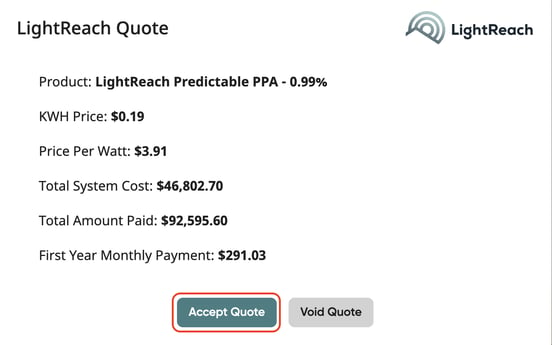
When the credit application is first submitted, you will have the chance to review the quote. Here, you can either accept or void it.
After accepting (or voiding and re-applying), you will be able to access the quote on the proposal at any time. Just click the 'Qualify' button again to review the quote:
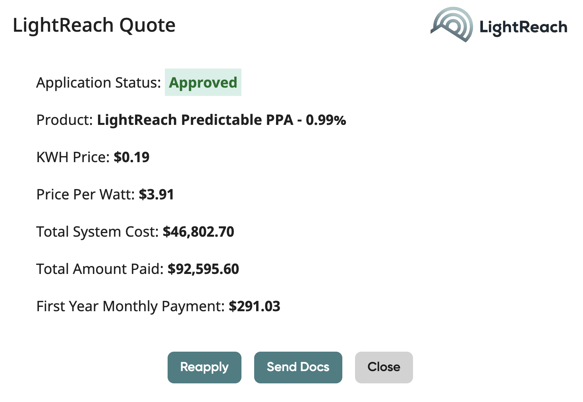
From here, you can reapply, send documents, view stipulations, and more. To make changes or request a change order, additional steps may be needed, please refer to this article here.