
As of September 1, 2026 sales completed in Texas are required to provide an educational brochure to the homeowner at least 24 hours before the contract is signed (source).
You're able to able to display these pages as custom pages on your Solo proposal by adding them as custom pages. We've adjusted the sizing of the required pages to fit the size requirements of the proposal and provide them below.
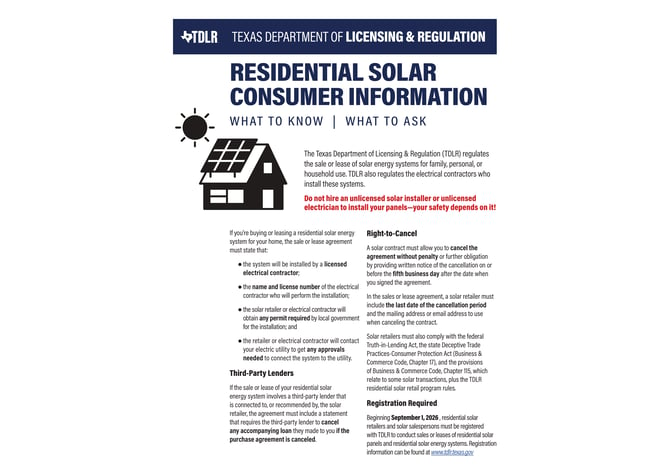
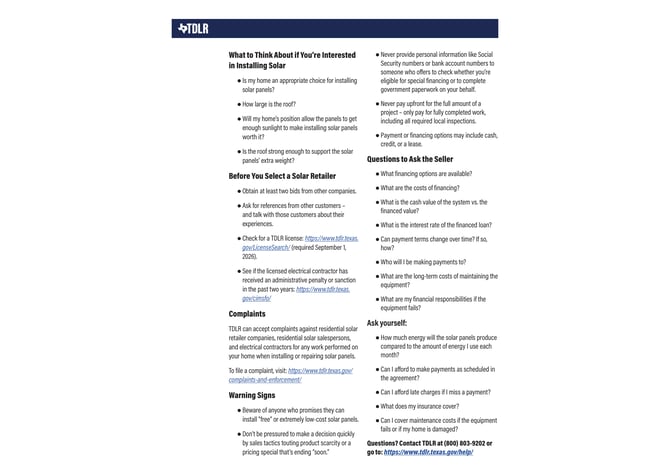
To add these as custom pages on your solar proposals, follow these steps:
- In the left-side navigation bar, tap into 'Company' and select 'MissionControl'.
- If you'd like to edit one of your child or grandchild accounts, taht can be selected in the top right.
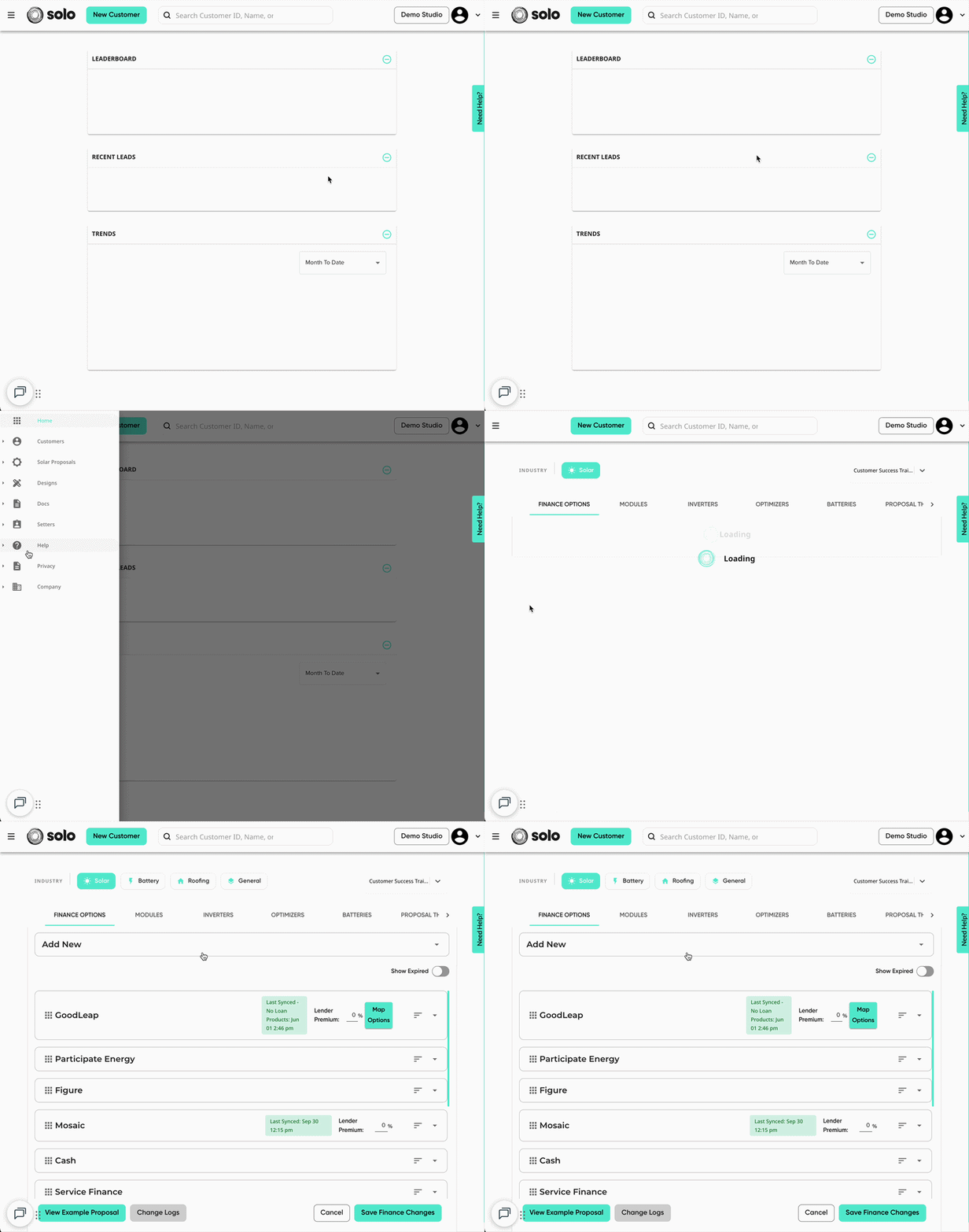
- Using the menu at the top, open the 'Proposal Theme' tab. Then, open the 'Pages' dropdown.
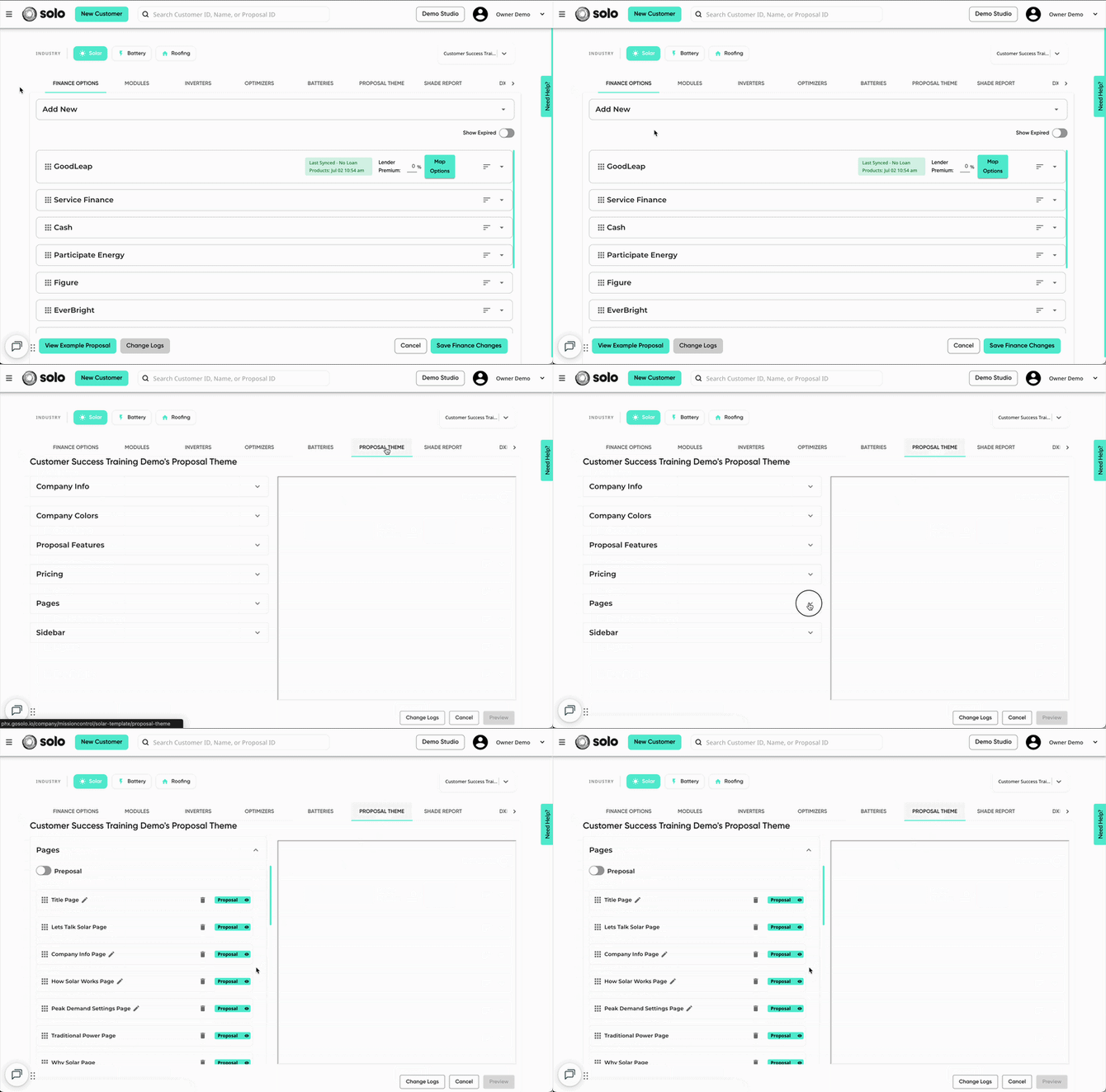
- Scroll down to the bottom of the section and click 'Add Page'. Then click 'Custom Page'.
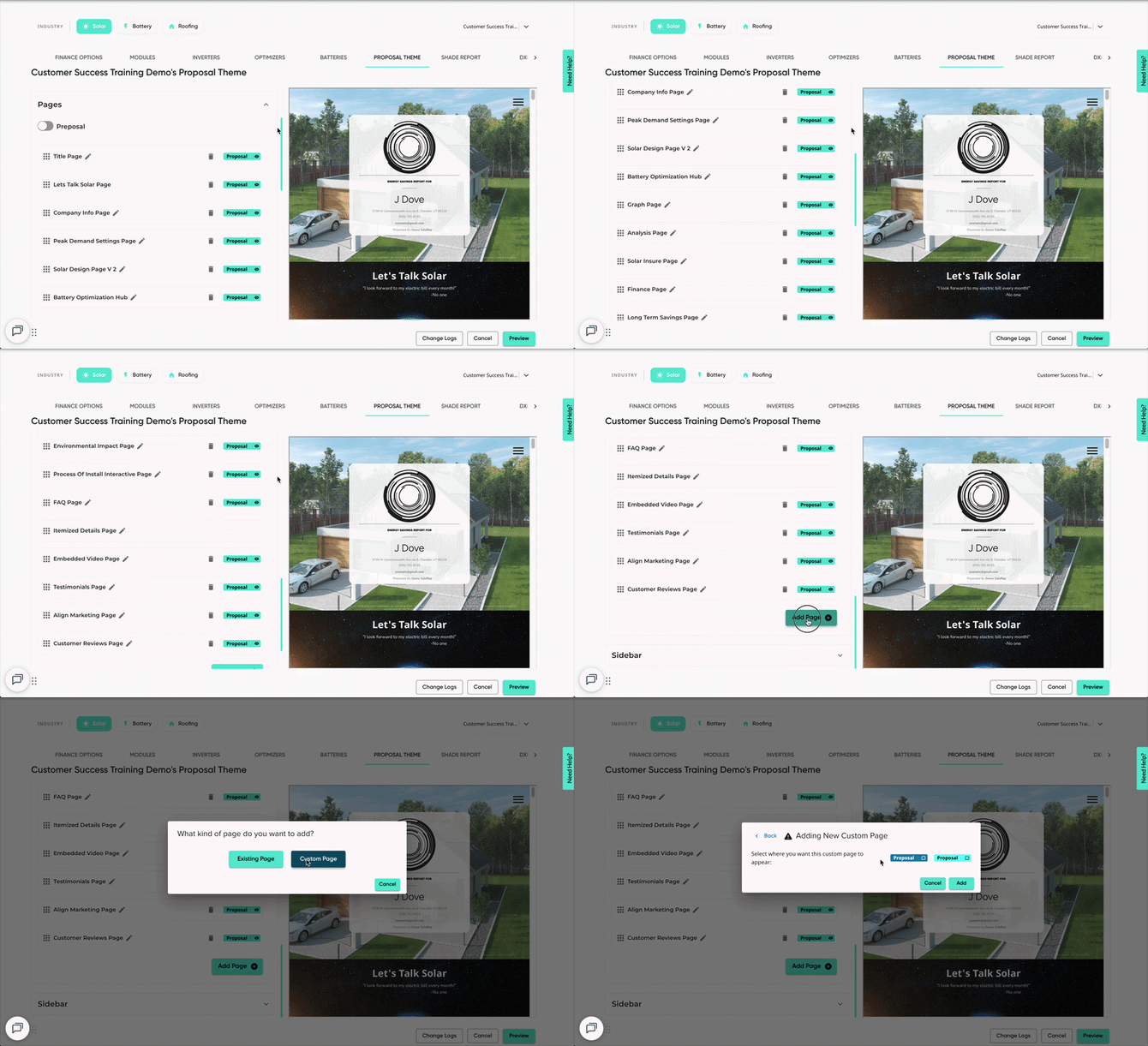
- Make sure to check the 'Proposal' checkbox, then click 'Add'.
- The page will be added as an 'Image Page'. Click the pencil icon to configure the page appearance.
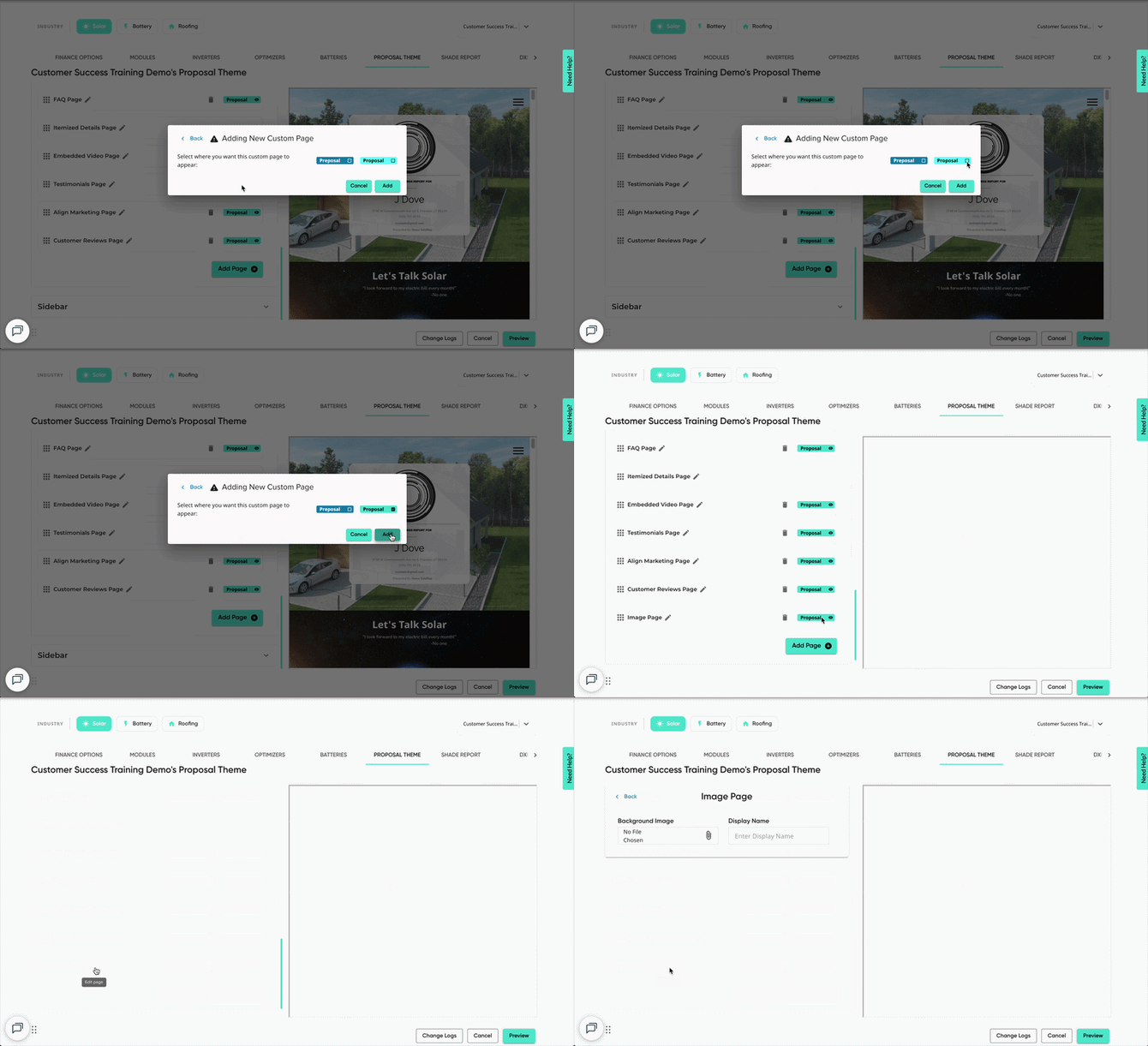
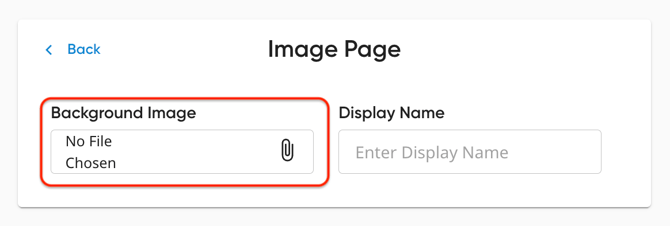
- Upload the provided image into the 'Background Image' field.
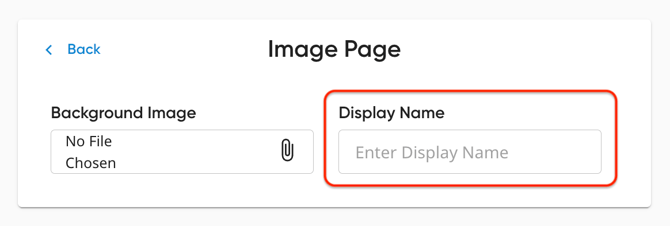
- For ease of use, enter a name for the page in the 'Display Name' field.
- Repeat steps 1-7 for the second page.
- Preview and save your changes!