
The MissionControl portal is only accessible to users with the SAAS Owner role.
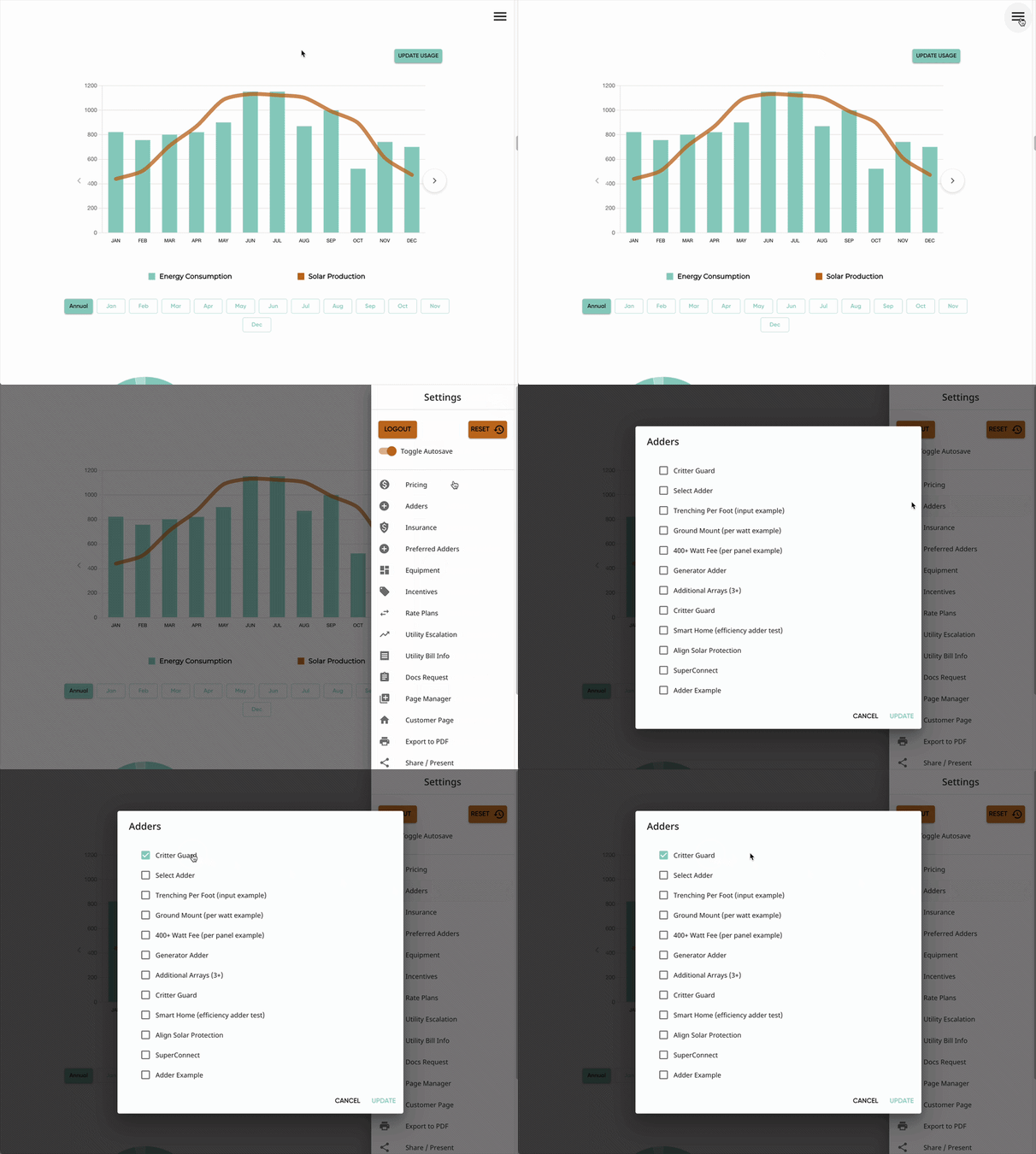
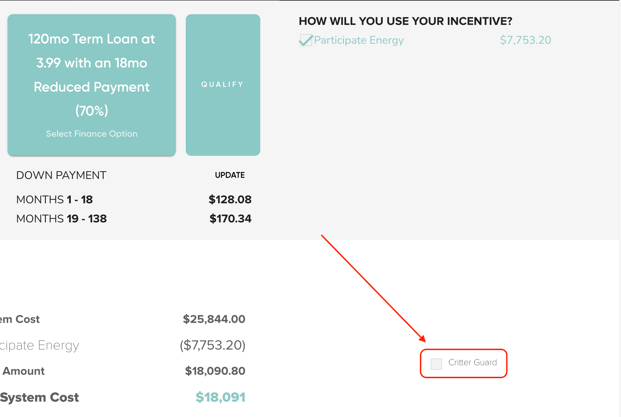
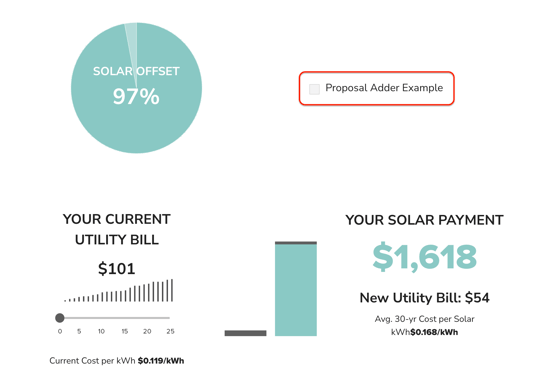
This section of MissionControl will control the adder options that you and your users see on your solar proposals. Adders can be placed in several different places on the proposal, depending on each adder's configuration. This includes:
Proposal Sidebar
Finance Page
Analysis Page
What Customization is Available for Adders?
In MissionControl, you'll be able to add new options, customize the order and location for which they appear, and adjust the settings and configuration of each adder. This includes the following settings:
- Name & Docs Display Name
- Efficiency
- Pricing & Price History
- Adder Type
- Checkbox, Input, Select (dropdown), and Automatic
- Price Type
- Per Watt, Per Unit, Per Panel, and Fixed Amount
- Adder Location
- Sidebar or Proposal (Analysis Page)
- Input Adder Customizations
- Adder Defaults
- Min & Max Adder
- Automatic Adder Conditions
- Display Settings
- Document Settings
Learn more about the available adder types, locations, and pricing options in this article!
Learn more about editing your adder configurations in this article!
Resources
To make your experience with configuring your adder options in MissionControl as easy as possible, we have the following resources: