This functionality requires an integration with Callpilot AI. Owners, please refer to this article to request this integration.
Callpilot is an AI-driven tool used to deliver “Welcome Calls” to customers after a contract has been signed.
-
Once you have signed documents with your customer and your customer's status is 'Contract Sent', 'Contract Signed' or 'Contract Signed TPO', a Callpilot welcome call can be requested.
- For SoloSign documents (non-lender related documents), a Callpilot welcome call can be requested for SENT or SIGNED documents.
- For TPO documents, a Callpilot welcome call can only be requested for SIGNED TPO documents.
- In the customer page, open the 'AI Verification Call' tab.
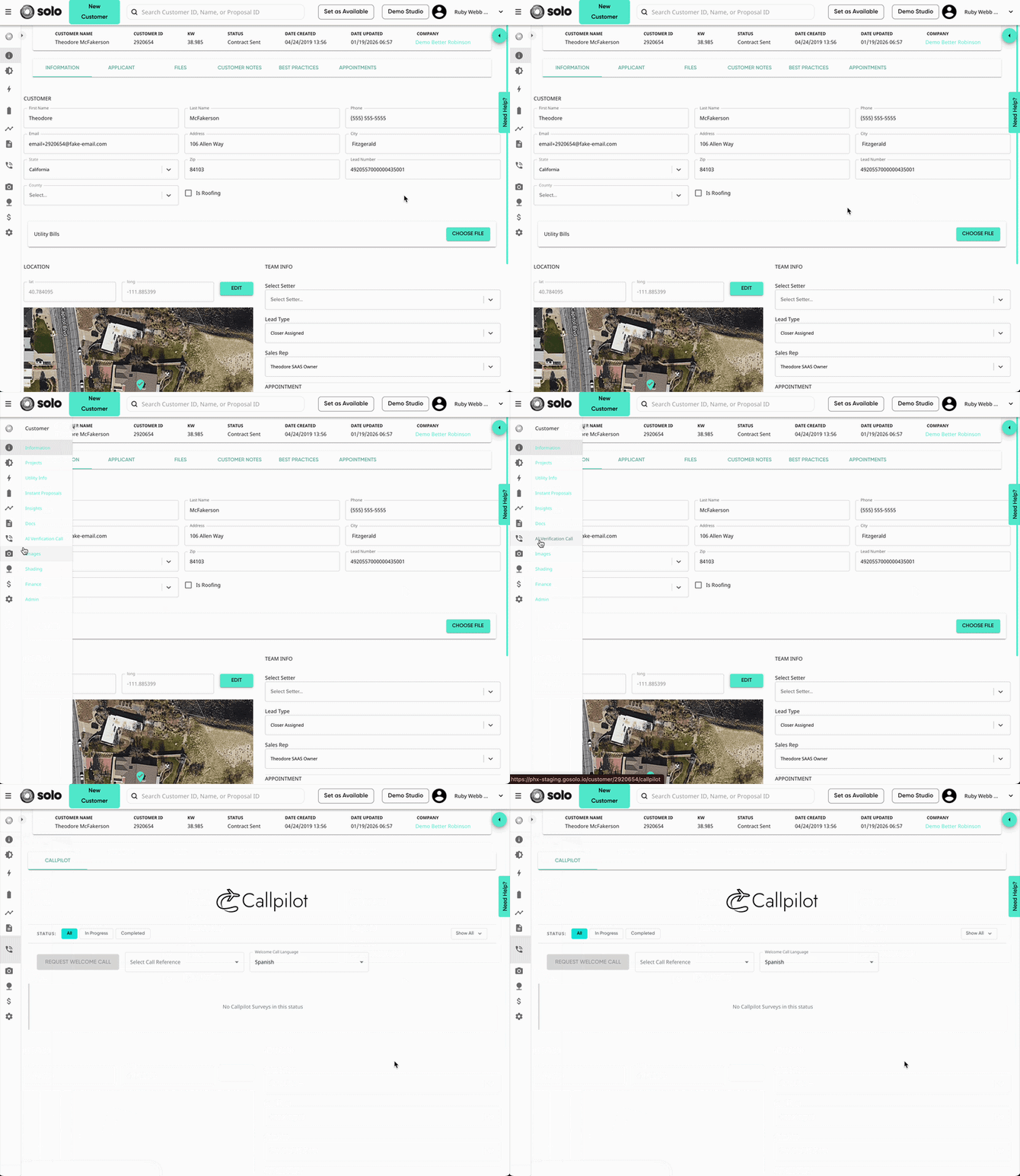
- In the 'Select Call Reference' dropdown, select the contract you'd like the call to go over. Then select which language you'd like the welcome call to be in.
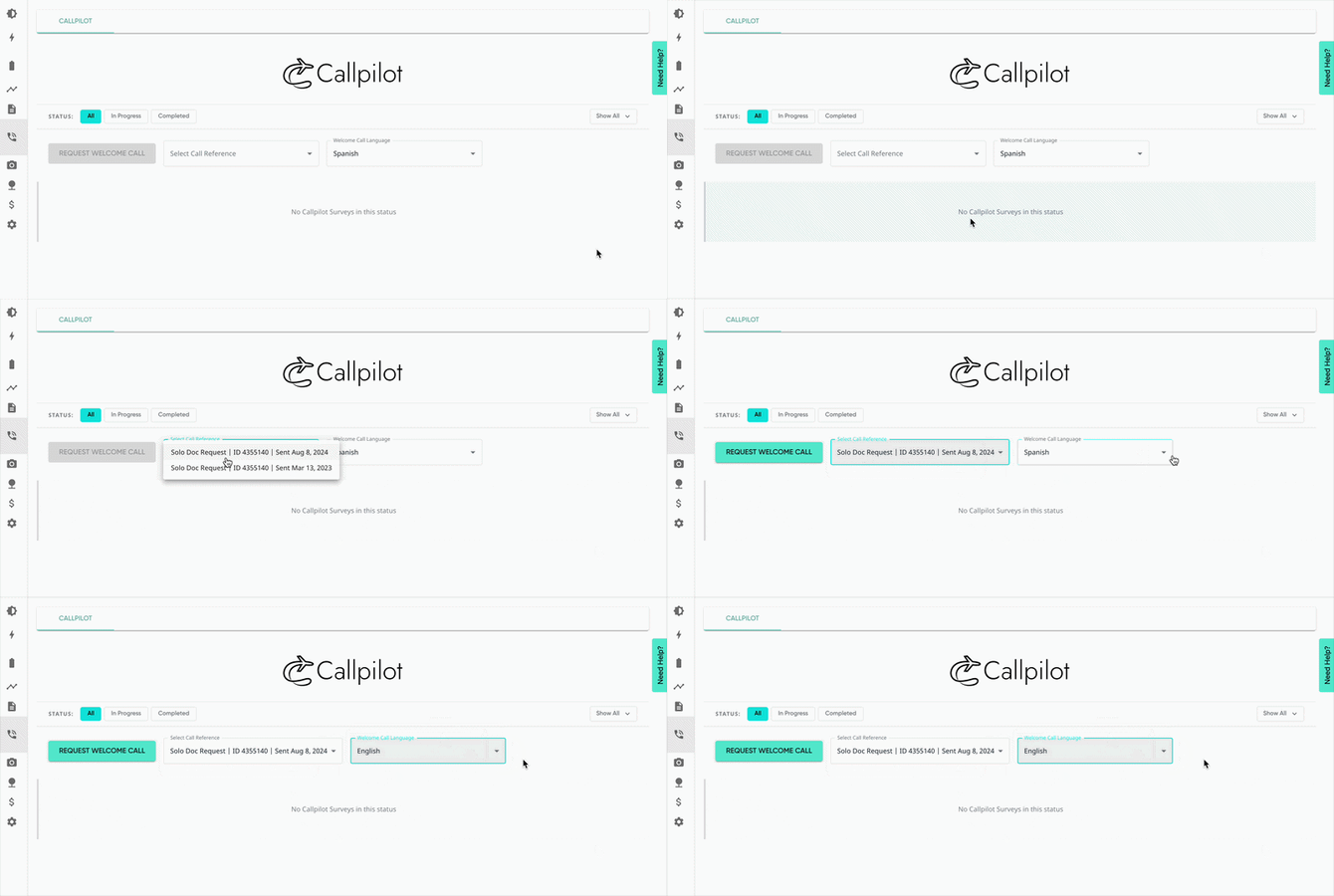
- Select 'Request Welcome Call'.
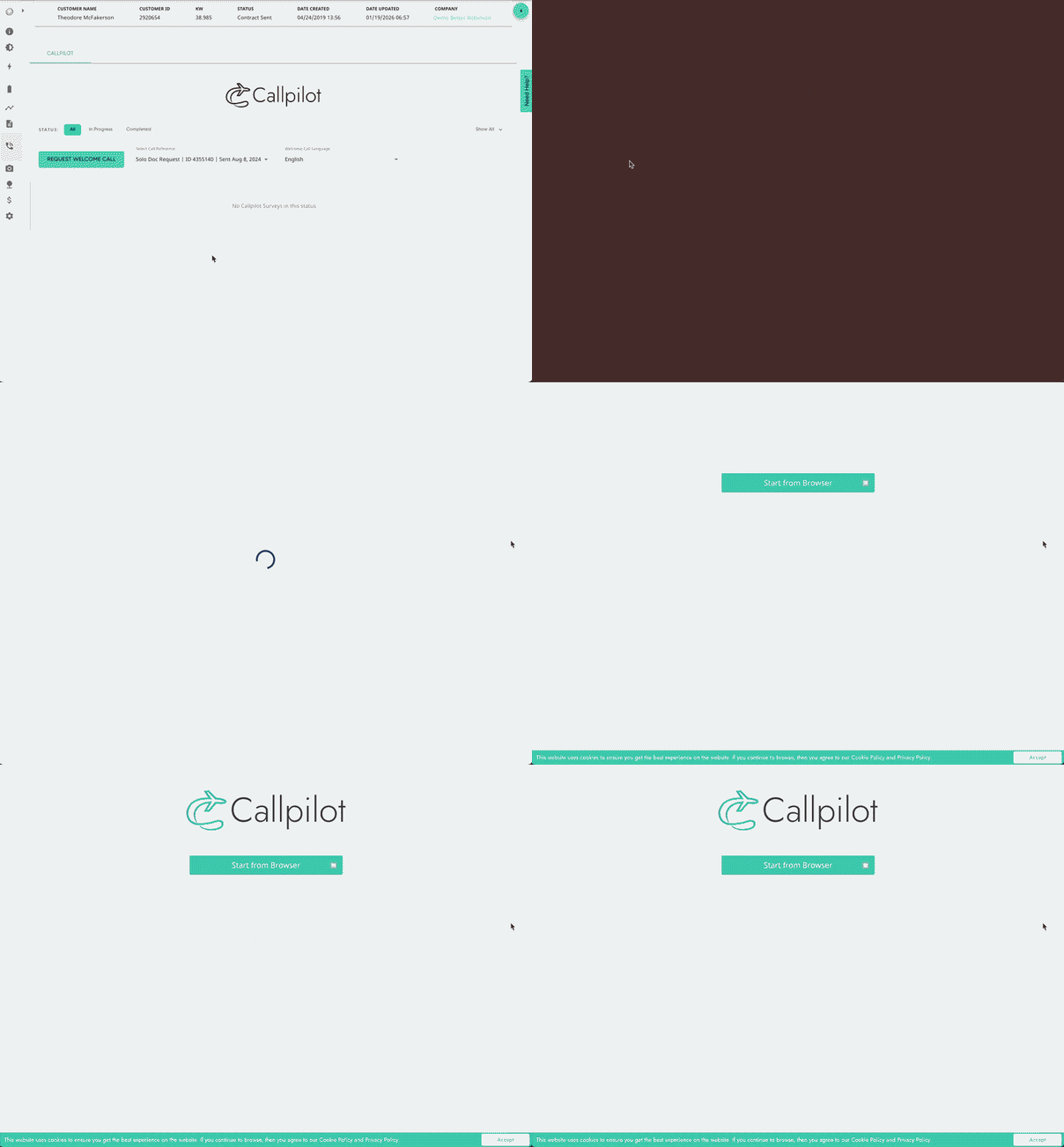
- This will open the welcome call in a new tab.
- You can also access the welcome call link by opening the request dropdown and clicking 'Copy Welcome Call Link'.
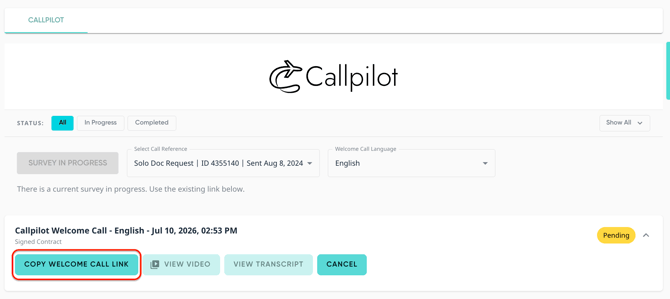
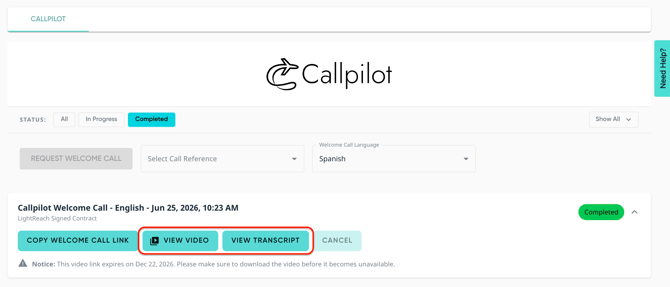
Once the welcome call is complete, you can view the video and transcript of the call from the request dropdown!