If you are not seeing Participate Energy as an option on your proposals, an Admin or Owner can fill out THIS FORM to request the integration.
To use Participate Energy as the financing option, follow the steps below:
-
On the finance page, select Participate Energy as the lender.
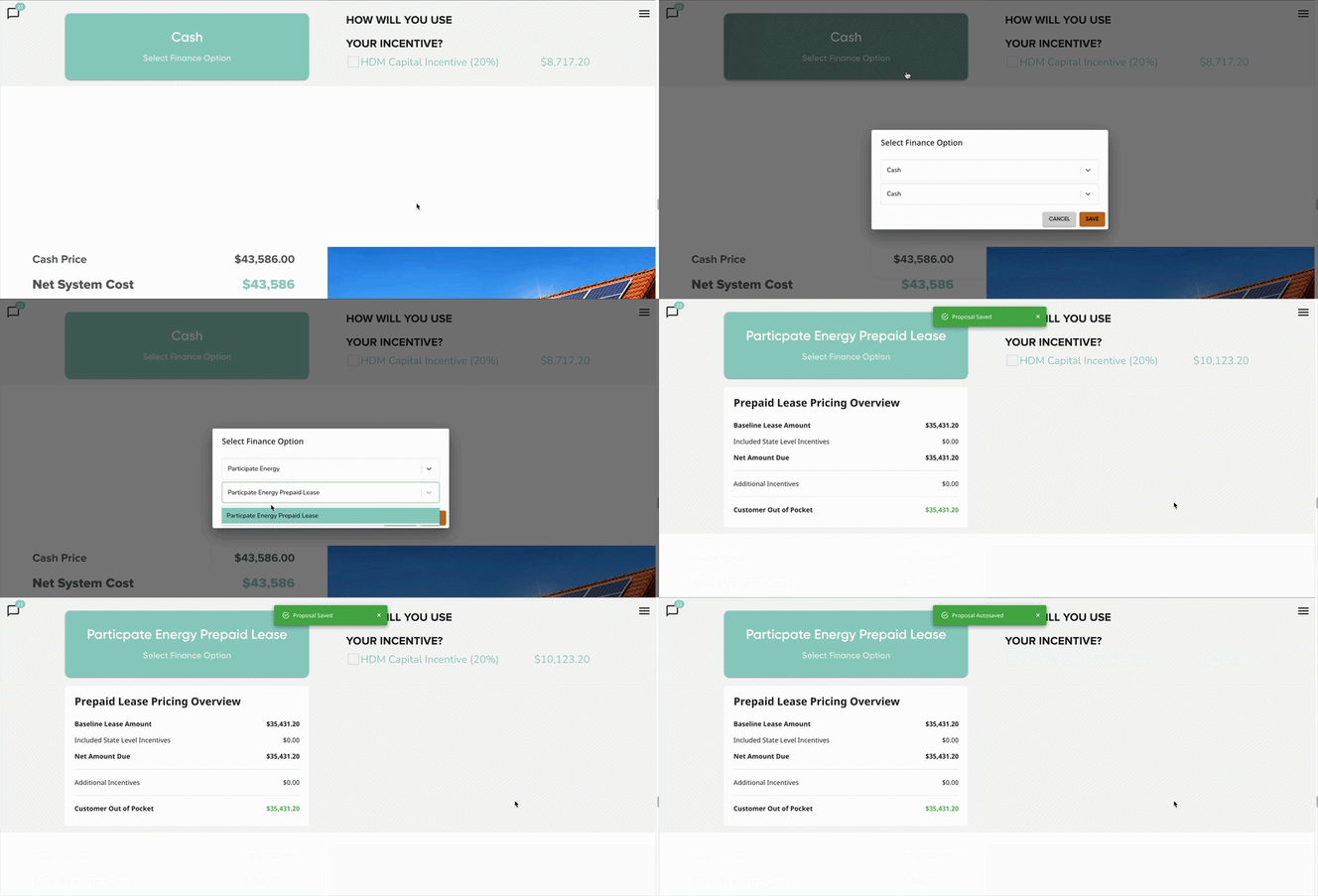
- Review the available incentives. Only approved incentives will be displayed.
- Incentives that are not approved for use with Participate Energy will be automatically hidden and unavailable for selection.
-
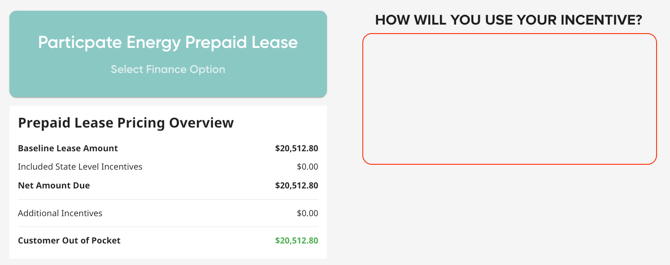
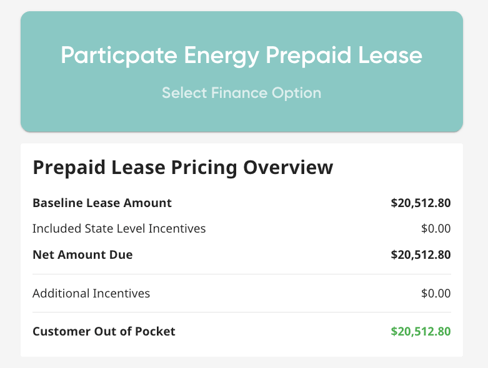
After selecting Participate Energy, review the pricing information shown in the modal beneath the selected finance option.
-
Carefully confirm that all pricing details are accurate before proceeding.
-
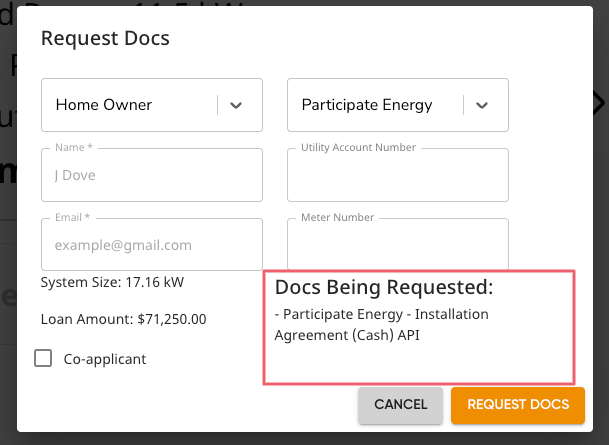
- Request documents under the 'Participate Energy' install partner. This ensures that the correct documents are being sent.
- Ensure that Participate Energy is the selected lender before requesting.
- For more information on requesting documents, read this article HERE.