
The MissionControl portal is only accessible to users with the SAAS Owner role.
This section of MissionControl will control the look and feel of your proposal, including pages, sidebar options, branding, and more. Within this section you can customize almost any aspect of the solar proposal to match your company needs.
What customization is available in Proposal Theme?
In MissionControl, you can adjust the following aspects of your proposal theme:
- Company Info
- What name and logo you use on your proposals.
- Company Colors
- Choose primary colors to be used on various elements throughout the proposal.
- Proposal Features
- Manage a few settings related to user access on the proposal.
- Pricing
- Customize how pricing is displayed and managed on your proposals, including role-restricted permissions.
- Pages
- Customize which pages are included in your proposals and customize the appearance and functionality of different pages.
- Sidebar
- Customize which options are available to your users in the proposal sidebar.
Saving Your Proposal Theme Changes
Saving changes to proposal theme will be a bit different from saving changes in other areas of MissionControl. When making changes, follow these steps to save:
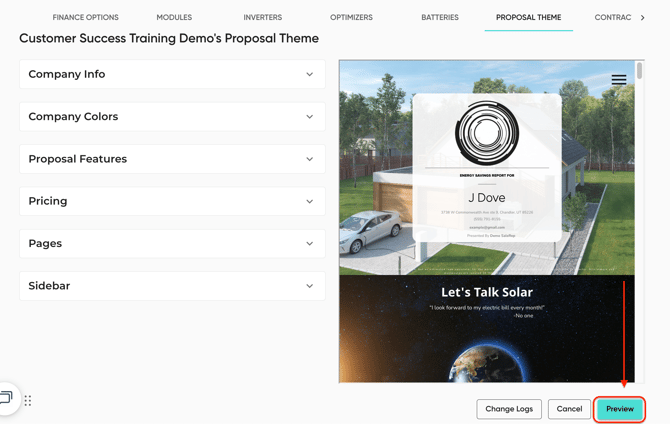
- Press the 'Preview' button to look over the proposal with all of your unsaved changes.
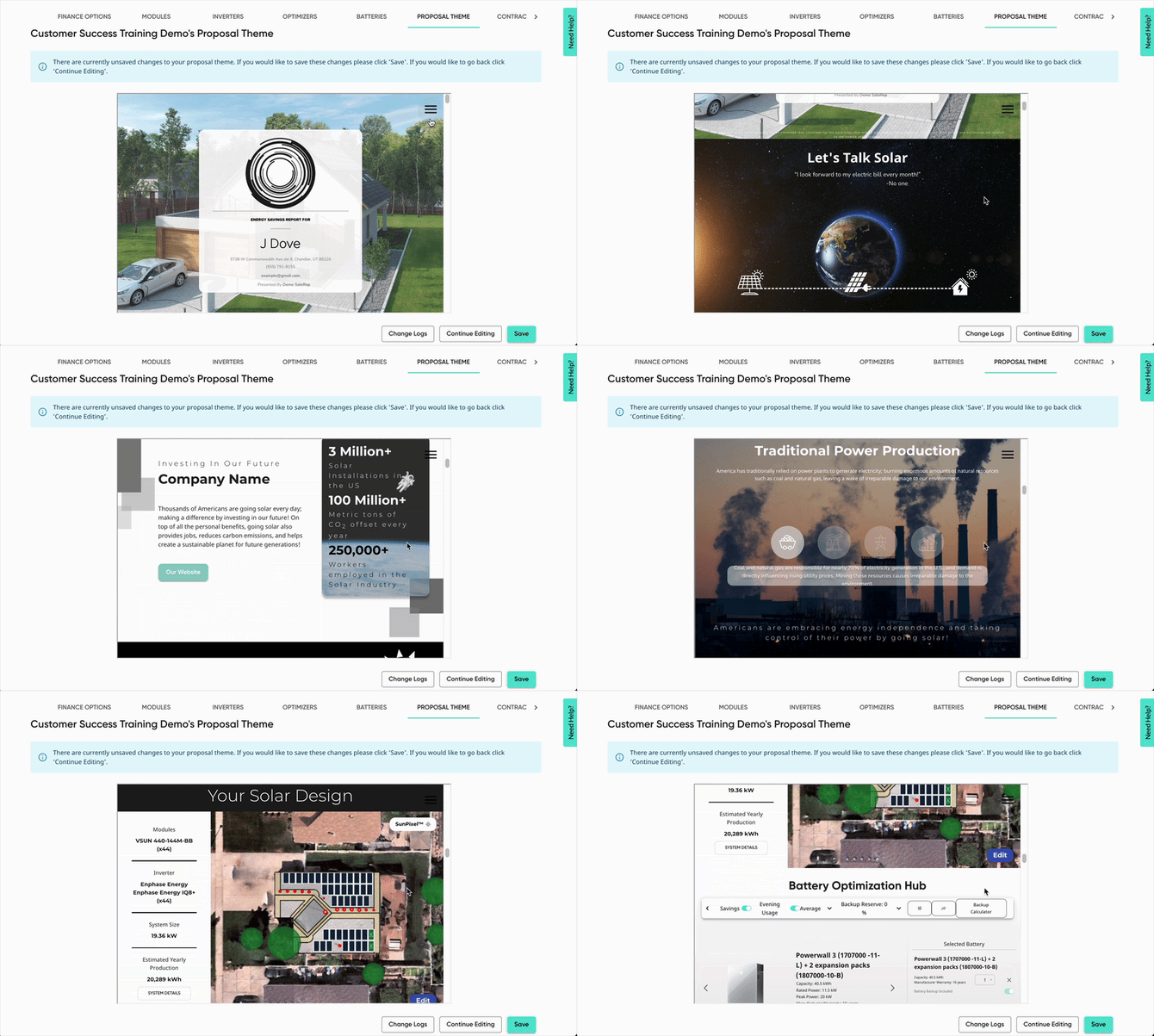
- A new page will load, allowing you to view your proposal with your new changes.
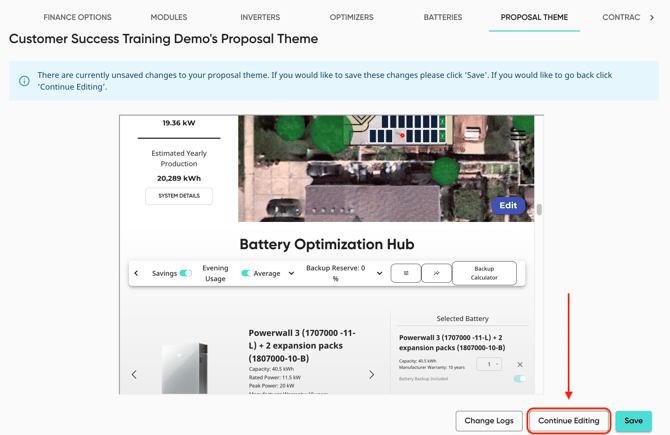
- If you want to continue making changes, press 'Continue Editing'.
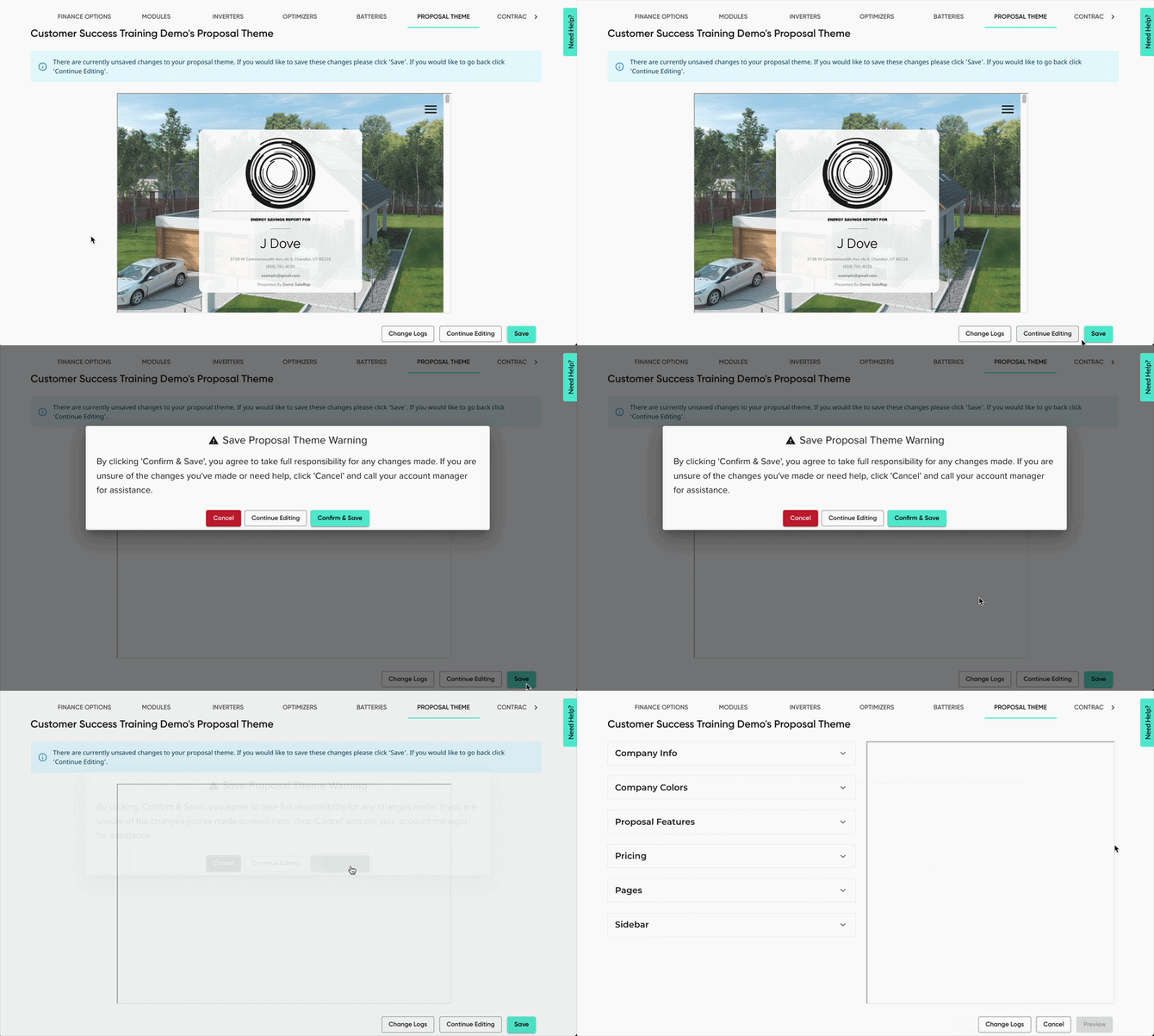
- If everything looks ready, press 'Save'. A pop-up will appear, confirming the changes you've made. Click save to push your changes to your proposals.
- To revert the changes you've made, click 'Cancel'.
- To continue making changes, while still not saving the ones you've already made, click 'Continue Editing'.
Resources
To make your experience with adjusting proposal theme in MissionControl as easy as possible, we have the following resources: